

Install
Put billed on
your home screen.
On Android, get billed from Google Play. On iPhone, iPad, Windows and Mac it installs straight from your browser in about twenty seconds, and afterwards it opens from an icon like any other app.

Pick your device to jump straight to the steps.
Step by step
Pick your device.
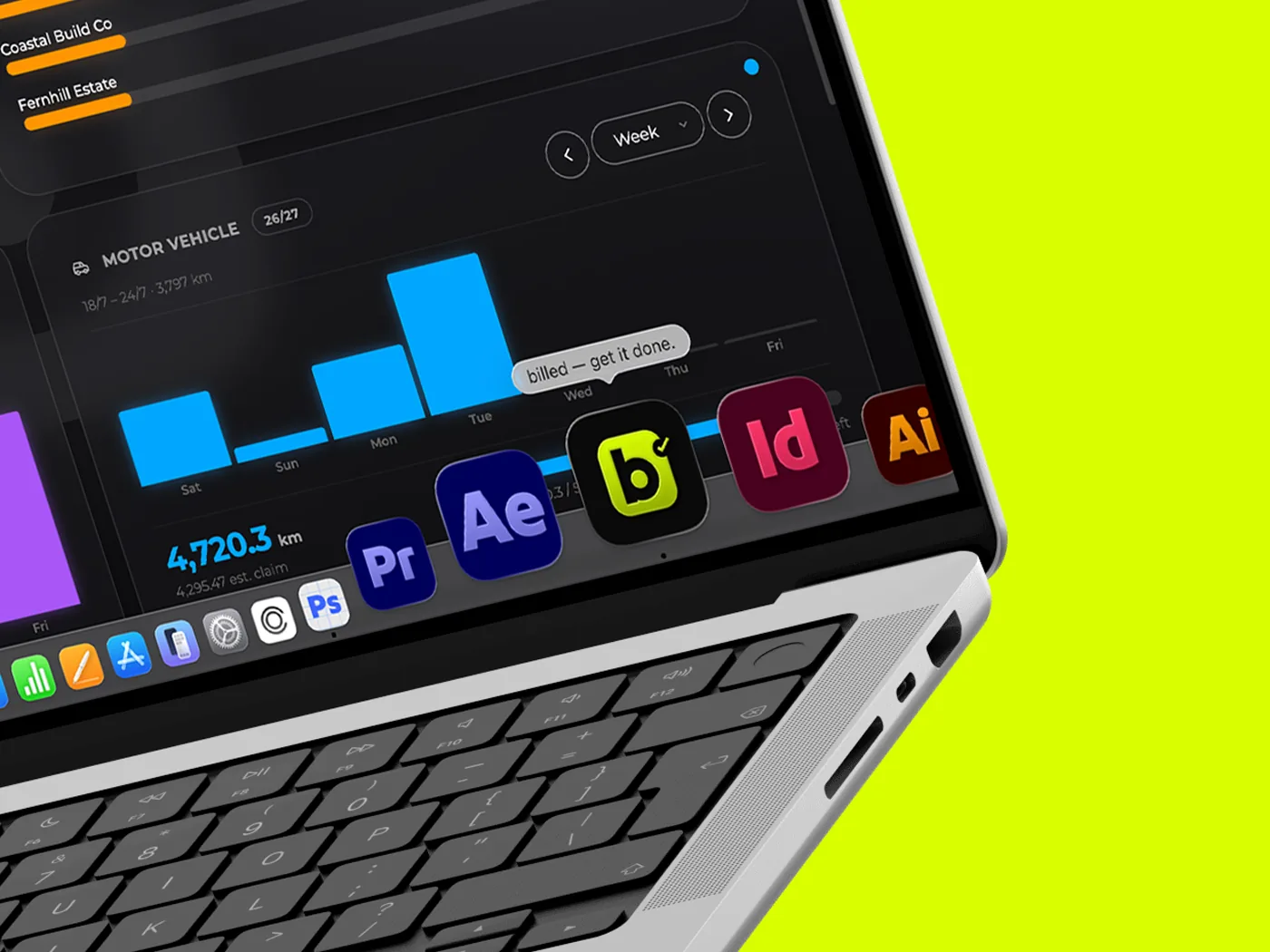
Mac
Safari, Chrome or Edge · about 15 seconds
- Open app.billed.au in Safari.
- From the menu bar choose File → Add to Dock. You can also use the Share button in the toolbar and pick Add to Dock there.
- Check the name, then click Add.
- billed lands in your Dock and your Applications folder, and turns up in Spotlight like any other app.
Worth knowing: a Mac web app keeps its own cookies and data, separate from Safari — so you'll be asked to sign in once inside the new window. Using Chrome or Edge instead? Click the install icon in the address bar, same as Windows. Add to Dock needs macOS Sonoma or later.
Windows
Chrome or Edge · about 15 seconds
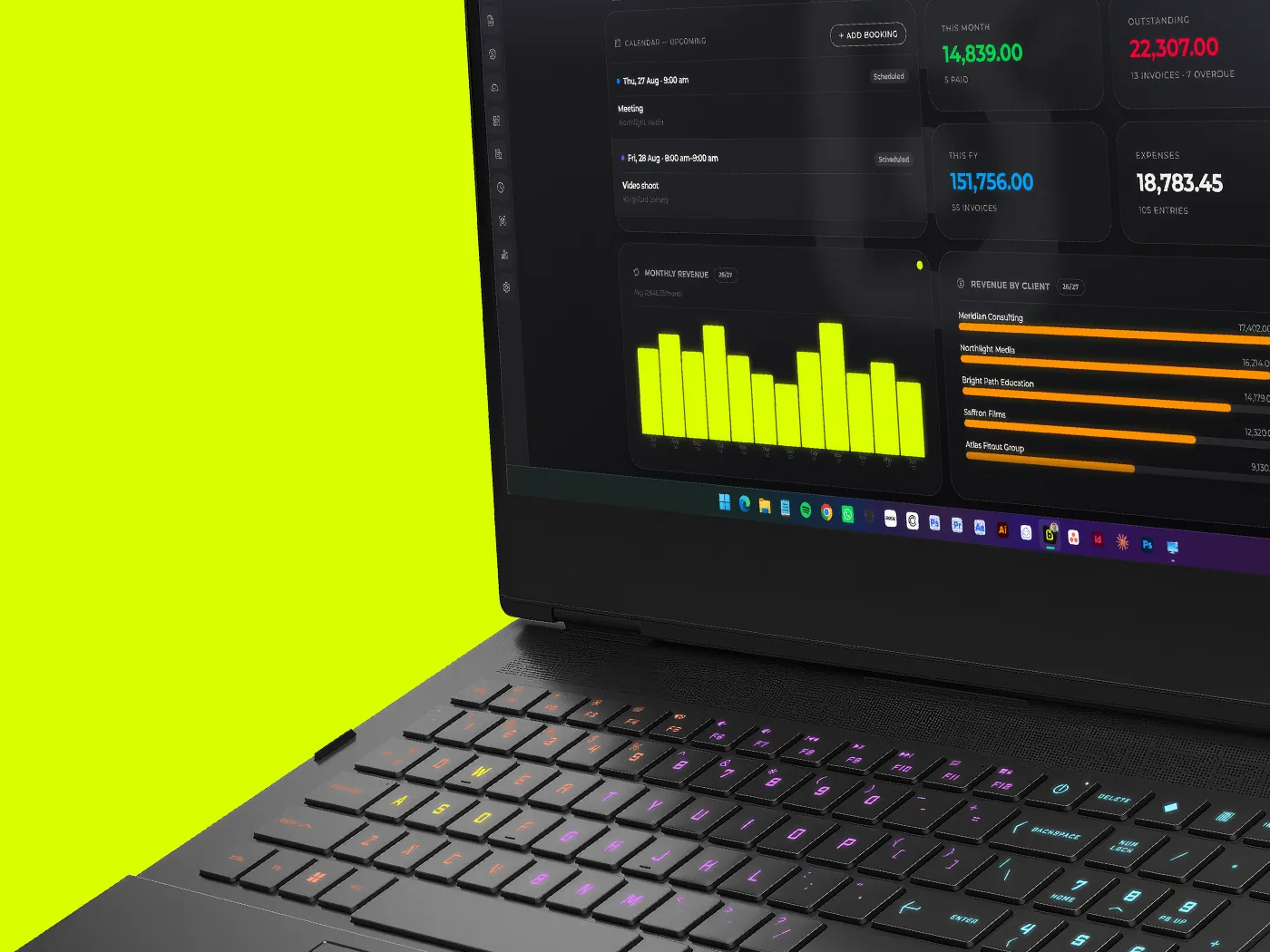
- Open app.billed.au in Chrome or Edge.
- Look for the install icon at the right-hand end of the address bar — a small monitor with a downward arrow.
- Click it, then click Install.
- billed opens in its own window and lands in your Start menu. Right-click its taskbar icon and choose Pin to taskbar to keep it handy.
No install icon? Open the ⋮ menu instead and look under Cast, save and share in Chrome, or Apps in Edge.
iPhone & iPad
Safari, Chrome or Edge · about 20 seconds
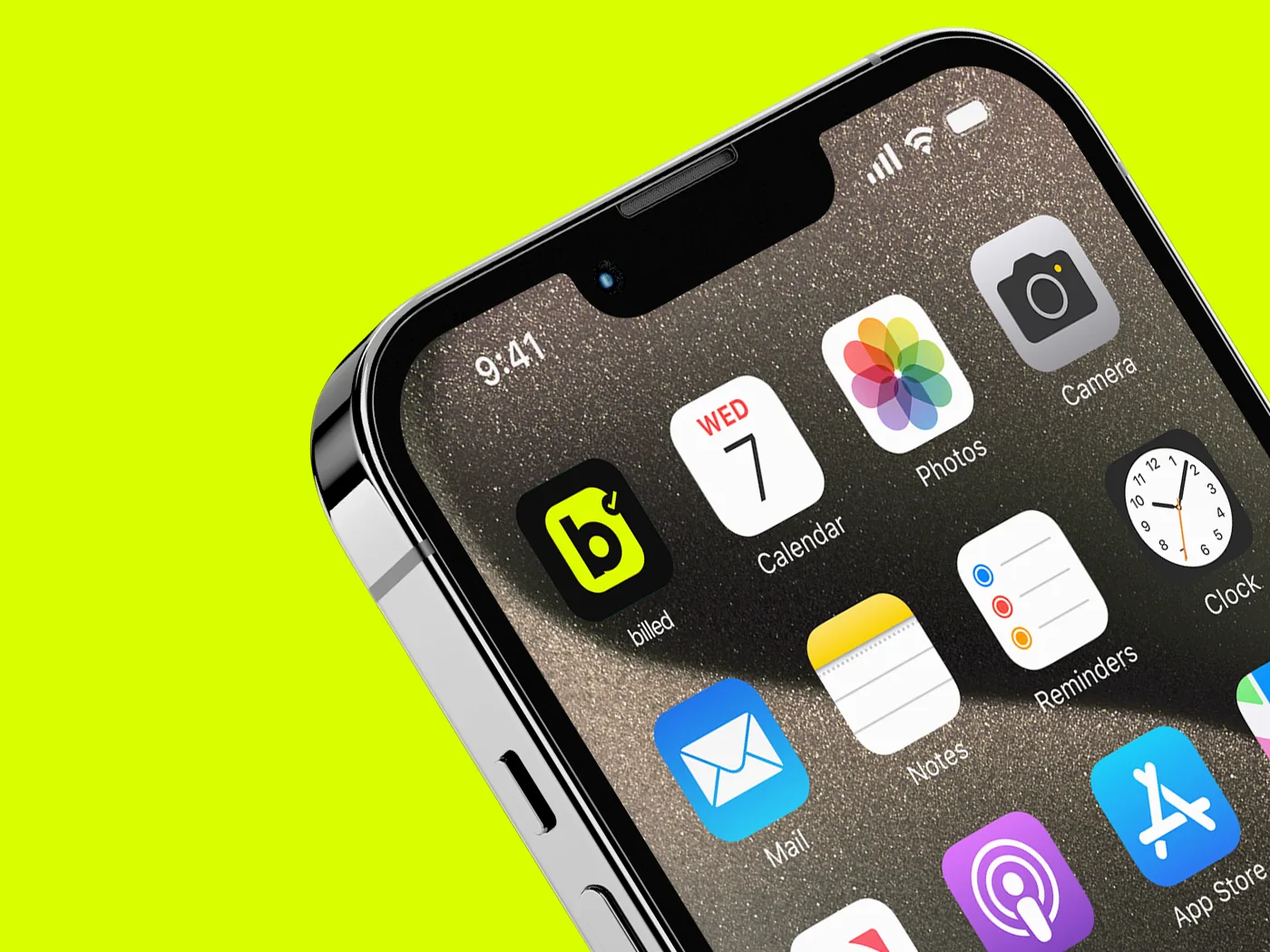
- Open app.billed.au in Safari.
- Tap the Share button — the square with an arrow pointing up.
- Scroll down the list and tap Add to Home Screen. It sits below the row of share targets, so it's easy to scroll past.
- Check the name, then tap Add. billed appears on your home screen.
If you don't see "Add to Home Screen": you're probably in an in-app browser — the one that opens inside Instagram, Messenger or a chat app. Tap the menu and choose Open in Safari first. Chrome and Edge on iPhone work too, from the Share button in the address bar.
Android
Google Play · about 30 seconds
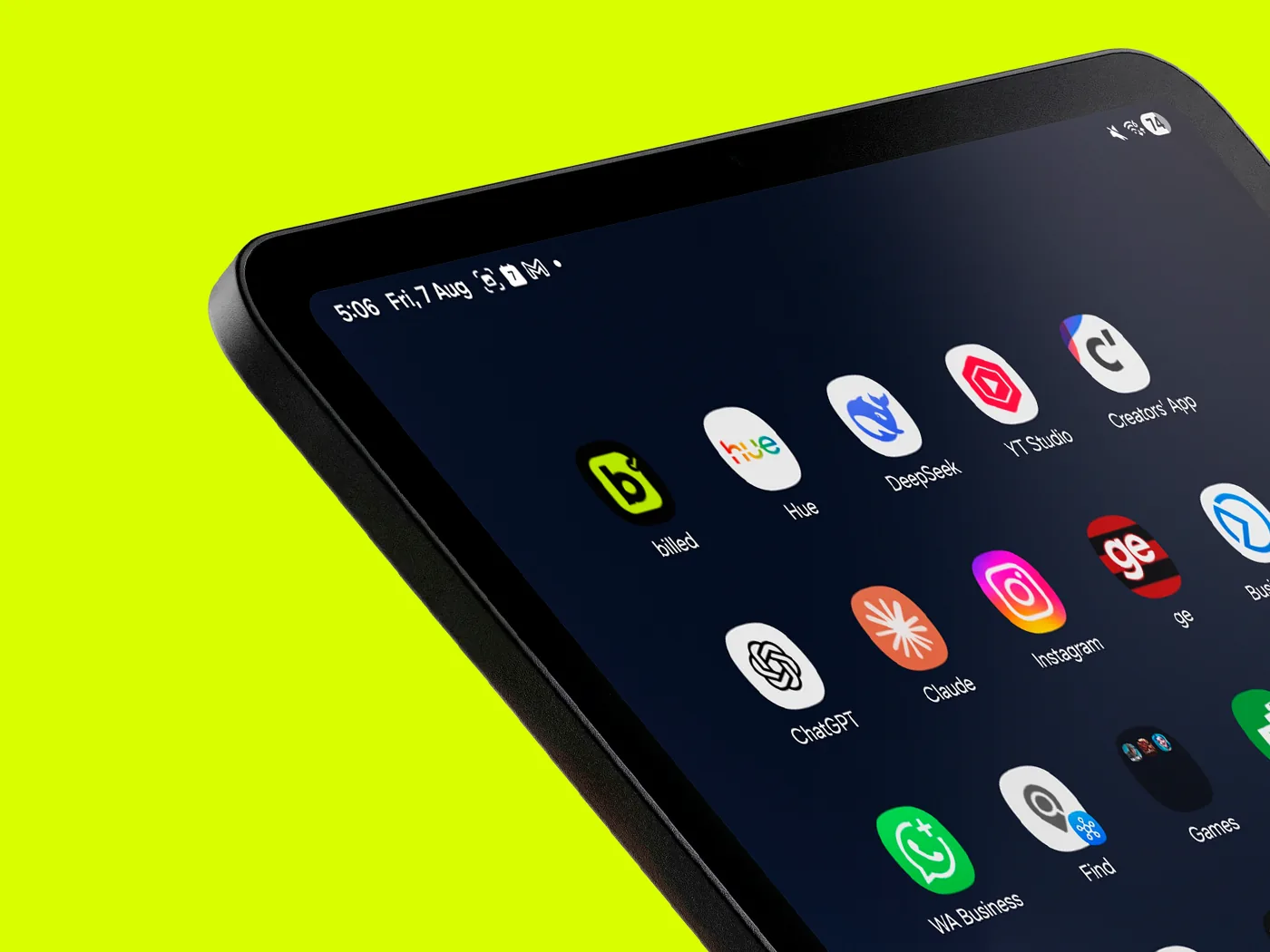
billed is a real Android app on Google Play, not a web app. Install it from the Play Store, sign in, and your data is there.
Installed from your browser
It opens like any other app.
One tap to open
An icon on your home screen or Dock, no address to type and no tab to hunt for among the others.
The whole screen
No address bar, no browser chrome. On a phone that's a useful amount of extra room for an invoice.
Your data, offline
Installed this way, billed keeps a local copy on your device, so you can open it and read or export your data with no signal.
Questions
Before you install.
Is this a real app, or just a shortcut?
A real one. On Android, billed is a Play Store app. Everywhere else it installs straight from your browser as a progressive web app — its own icon, its own window, and a local copy of your data.
Is billed in the App Store or Google Play?
Yes, on Google Play — billed is there for Android, and you can subscribe in the app. There's no iPhone app: on iPhone, iPad, Mac and Windows you install it straight from your browser in about twenty seconds, and it opens by its own icon like any other app. Installed from the browser, billed keeps a local copy, so you can view and export your data offline. The Play Store app needs a connection. Creating and editing need one either way — nothing is saved up to sync later.
Do I have to install it?
No. billed runs perfectly well in a normal browser tab at app.billed.au. Installing just makes it quicker to get to and gives you the full screen.
Can I install it on more than one device?
Yes, as many as you like — phone, tablet, laptop, desktop. Your data lives in the cloud and syncs live, so a timer you start on your phone is still running when you open your laptop, and you sign in with the same account.
Does it work without internet?
Partly, and it's worth being clear about which part. Installed from the browser, you can open billed and view or export your data with no connection — you'll see an "Offline — working from local copy" badge. Creating, editing and deleting all need to be online, because saves go straight to the cloud: nothing is queued while you're offline. The Play Store app needs a connection to open at all.
How do I remove it?
The same way as any app. Press and hold the icon on a phone and choose delete or uninstall; on a desktop, remove it from your apps list or Dock. Nothing happens to your account or your data — sign back in from any browser and it's all there.
Twenty seconds and it's on there.
Start the free trial in your browser and install it whenever you're ready. Fourteen days, no card, and your data comes out whenever you want it.