Simple invoicing · Built for New Zealand
Invoices, quotes, expenses, time and vehicle logs — everything a sole trader, freelancer or small business needs to look sharp and get paid. One flat price. No bloat.
No card needed to start ·Cancel anytime ·Export your data whenever
What billed is
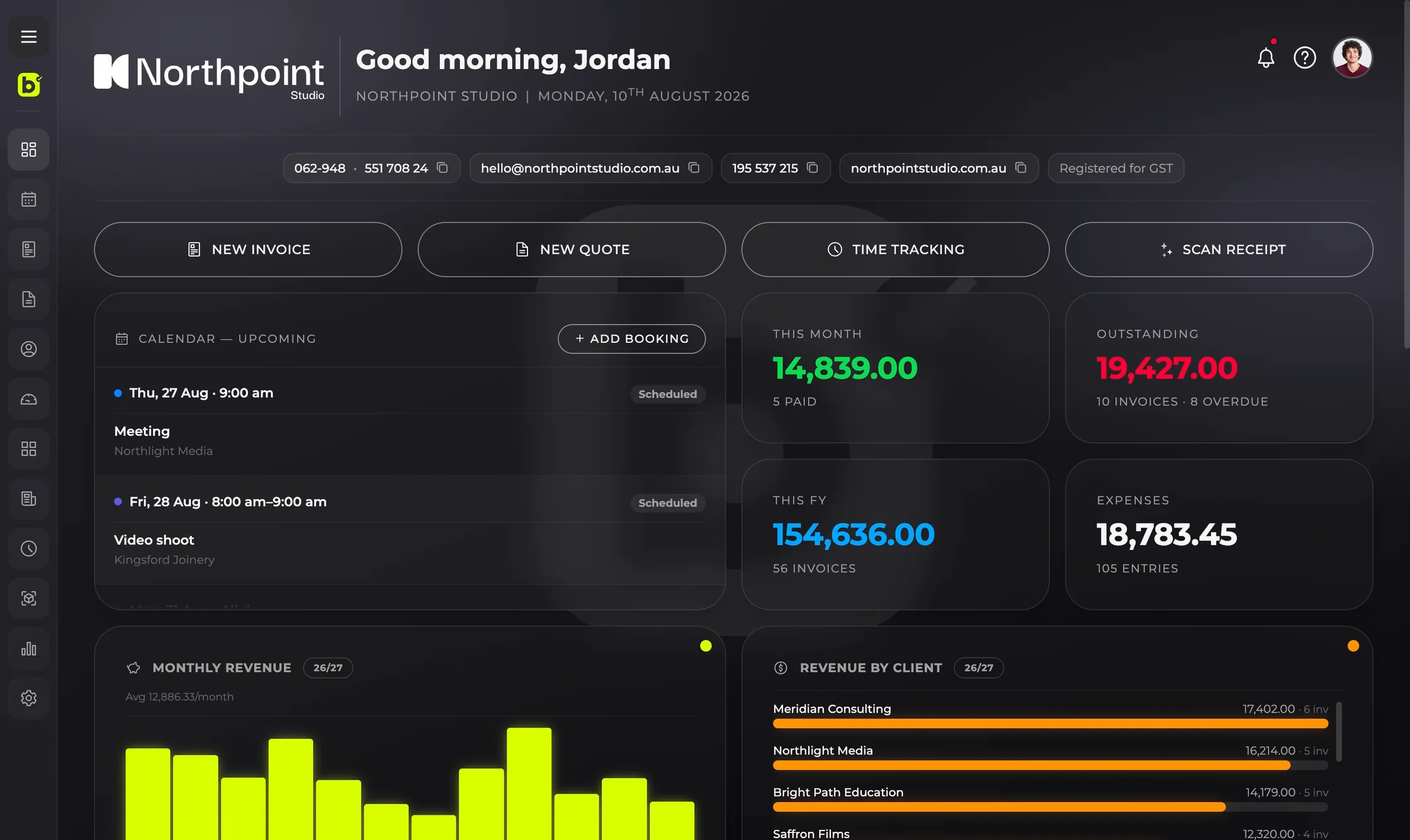
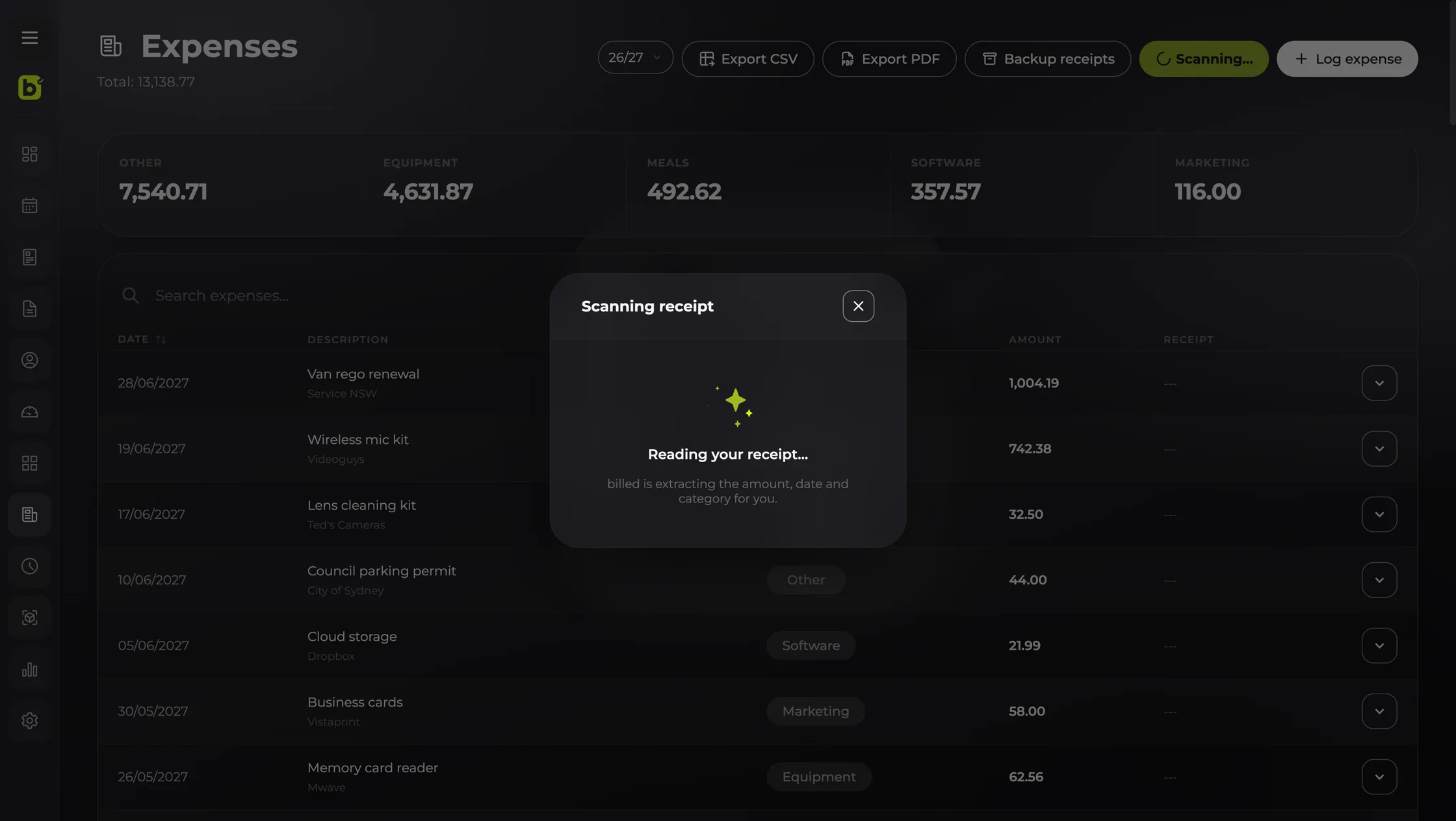
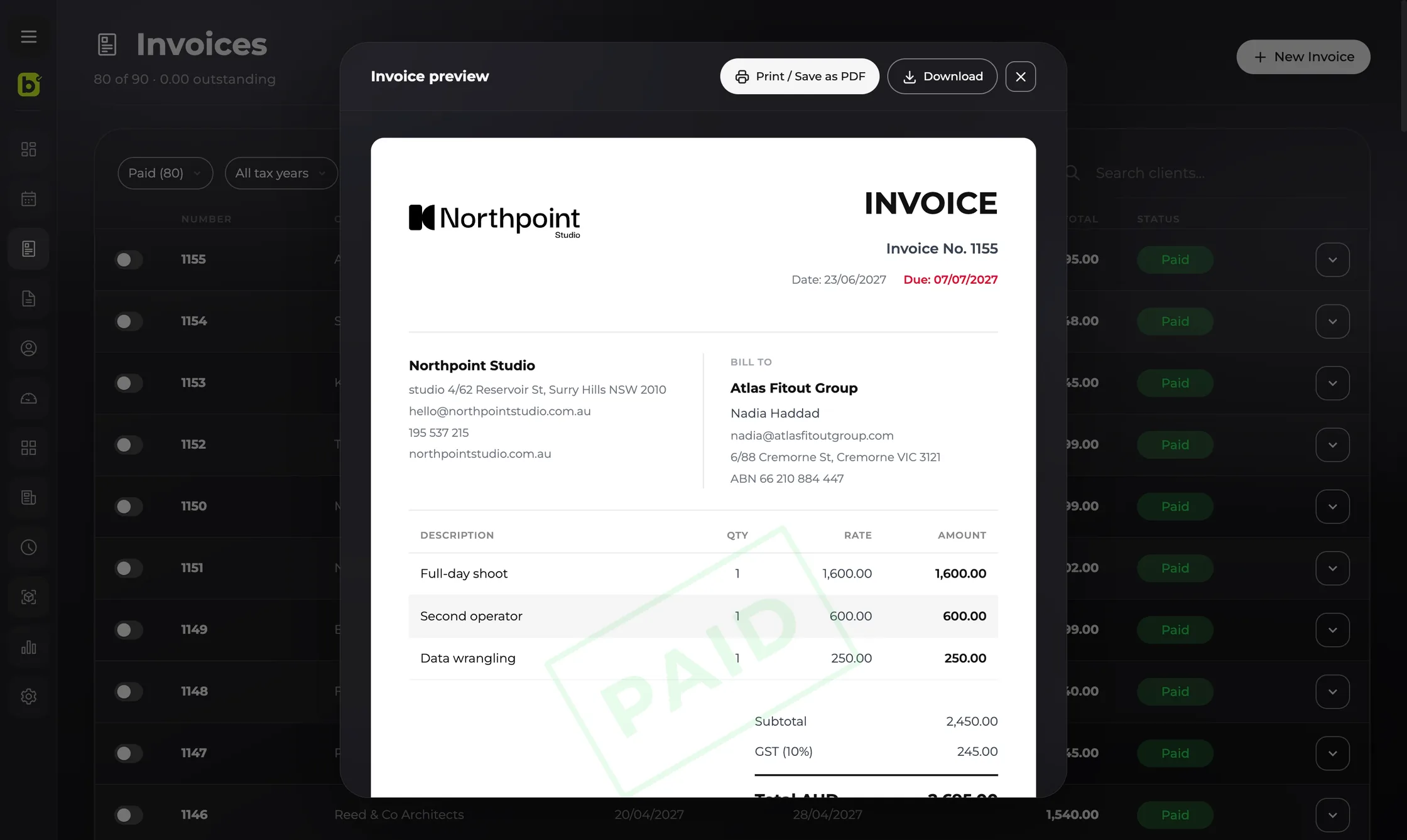
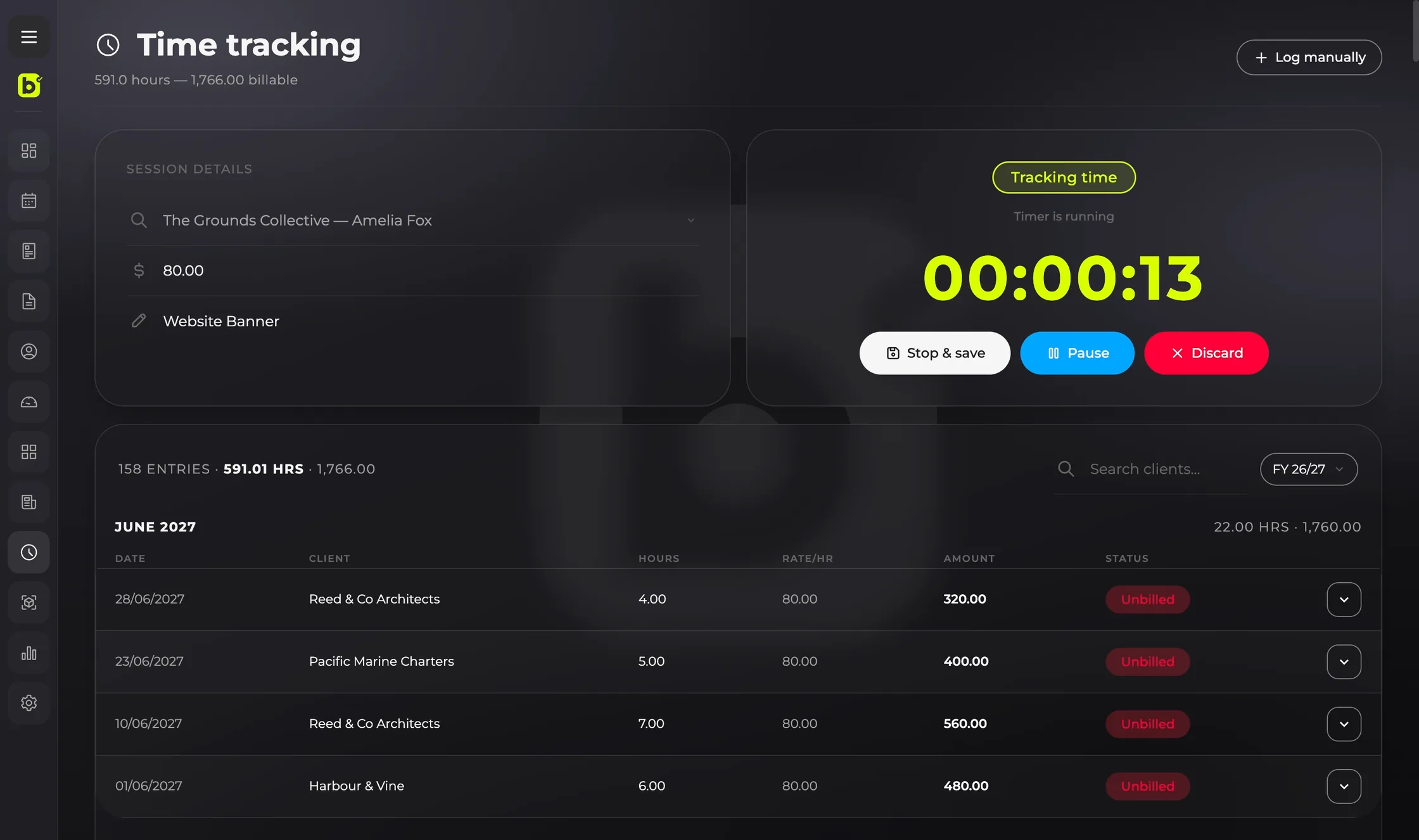
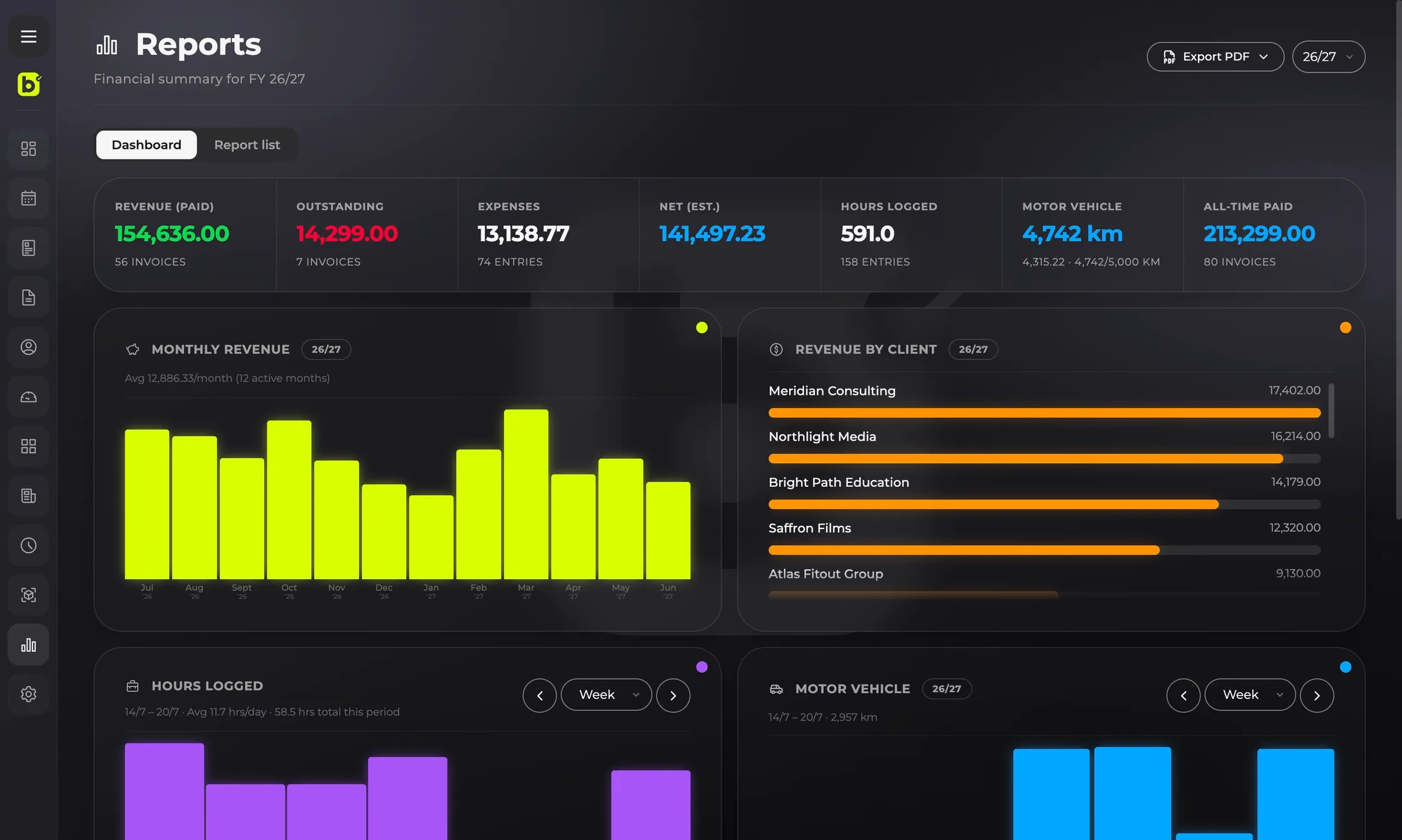
billed does the whole job — quote, invoice, track expenses and time, log your kilometres, and see how the business is going — so you can get back to the work you actually do.
Quotes go out fast, deposits land faster, so you can create.
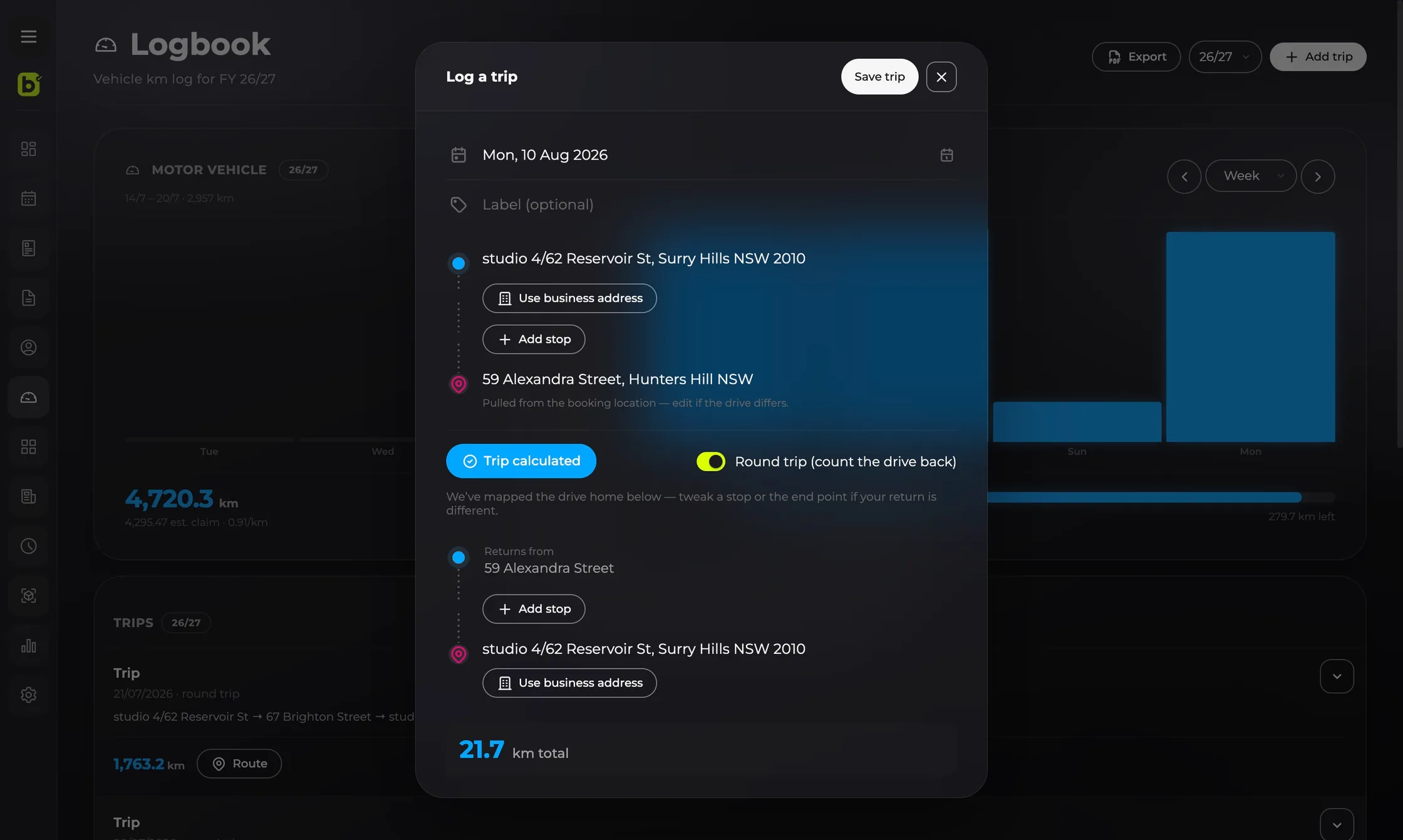
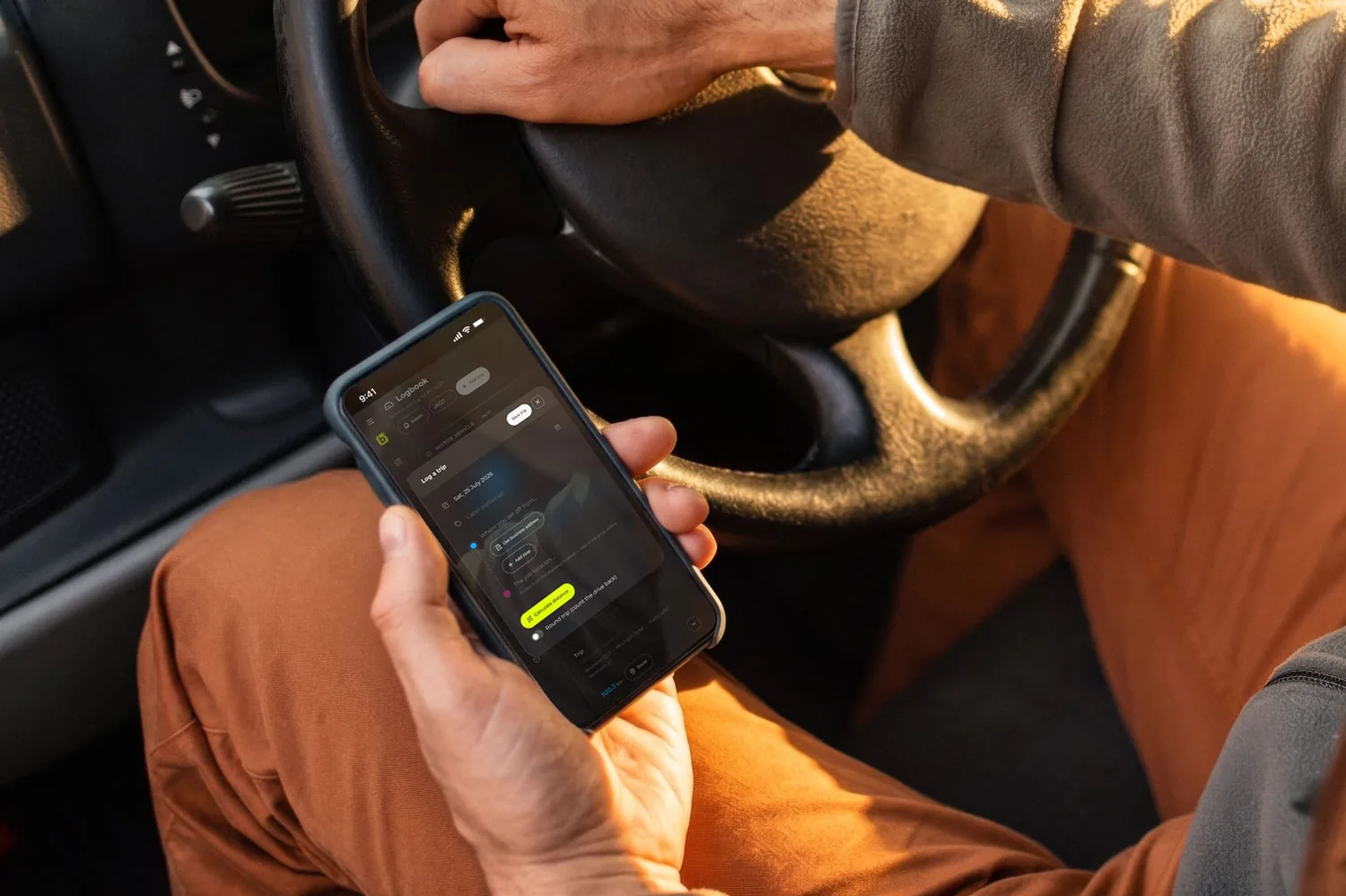
Invoice from the ute and log every kilometre between jobs.
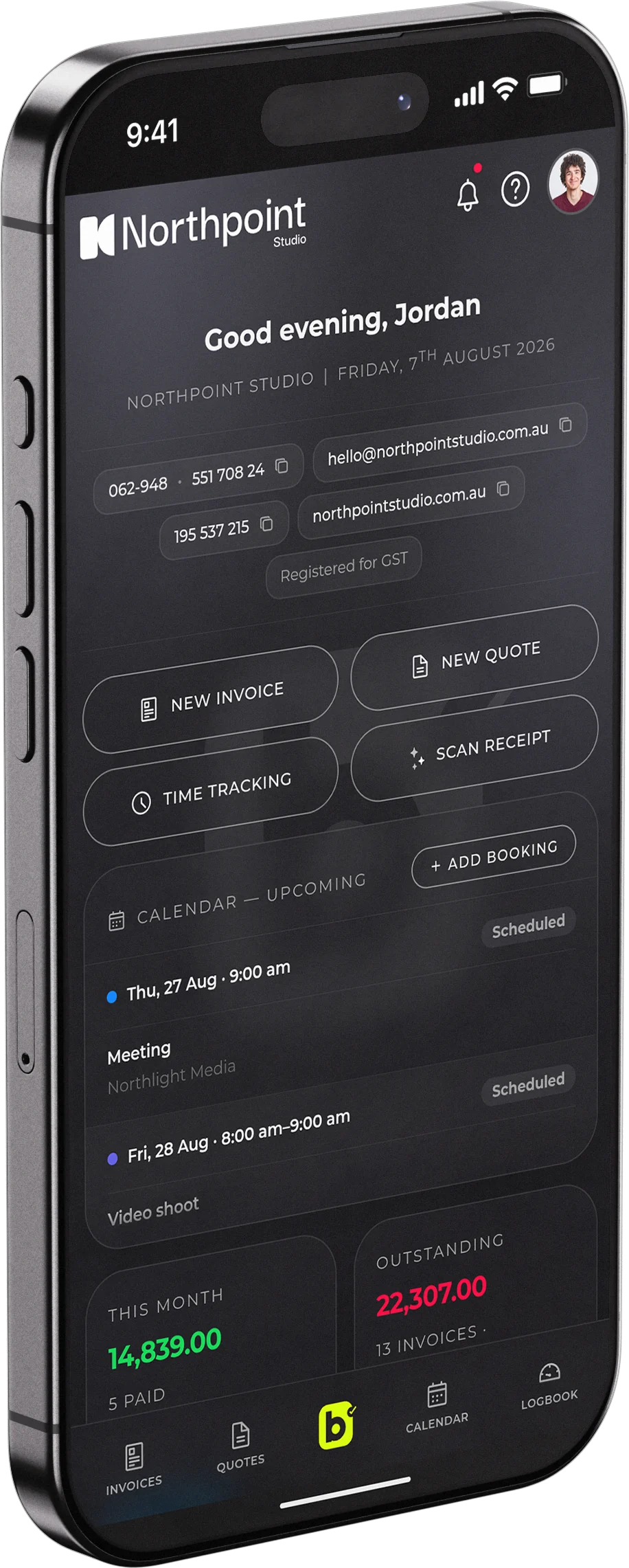
Bookings, shoot days and travel, all tracked in one place.
Track your hours and invoice, minus the spreadsheet.
Who it's for
Sole trader, freelancer or small business — whatever the trade or craft, the paperwork is the same job, and billed just makes it quick.
See it in action


Make it yours
Modern brings frosted glass and depth. Minimal strips it back to flat, quiet surfaces. Tap one — this whole page switches with it.
Tap a theme to preview it right here — it's the same switch you get inside the app.
How it works
Sign up with your email — no card needed to start your 14-day trial.
Your logo, NZBN and payment terms. A quick wizard sets you up.
Add a client, build the invoice, and send it. That's it — get it done.
Pricing
No tiers, no add-ons, no surprises at tax time.
On Android you can subscribe in the app — same price, same account either way.
Cancel and your data is still yours — export it anytime.
Delete your account from settings — a web plan ends straight away, so cancel first; a Play plan keeps billing until you cancel it in Google Play.
Why billed
Everything's included for NZ$15 a month. No feature you need is locked behind a higher tier.
Export everything whenever you like — even after you cancel. No lock-in, ever.
Quotes, invoices, expenses, time and kilometres in one place — not four tools that don't talk to each other, and not a full accounting suite you'll use a tenth of.
Tax invoices with your NZBN and GST, the April financial year, and a vehicle logbook that keeps your kilometres.
Coming from another invoicing app or accounting software? Import your clients, quotes, invoices and past financial years from a CSV — your whole history comes across.
Work across borders — currencies and tax settings that follow your country, and the app in four languages. Wise sits alongside bank transfer and PayPal, so a client overseas can just pay you.
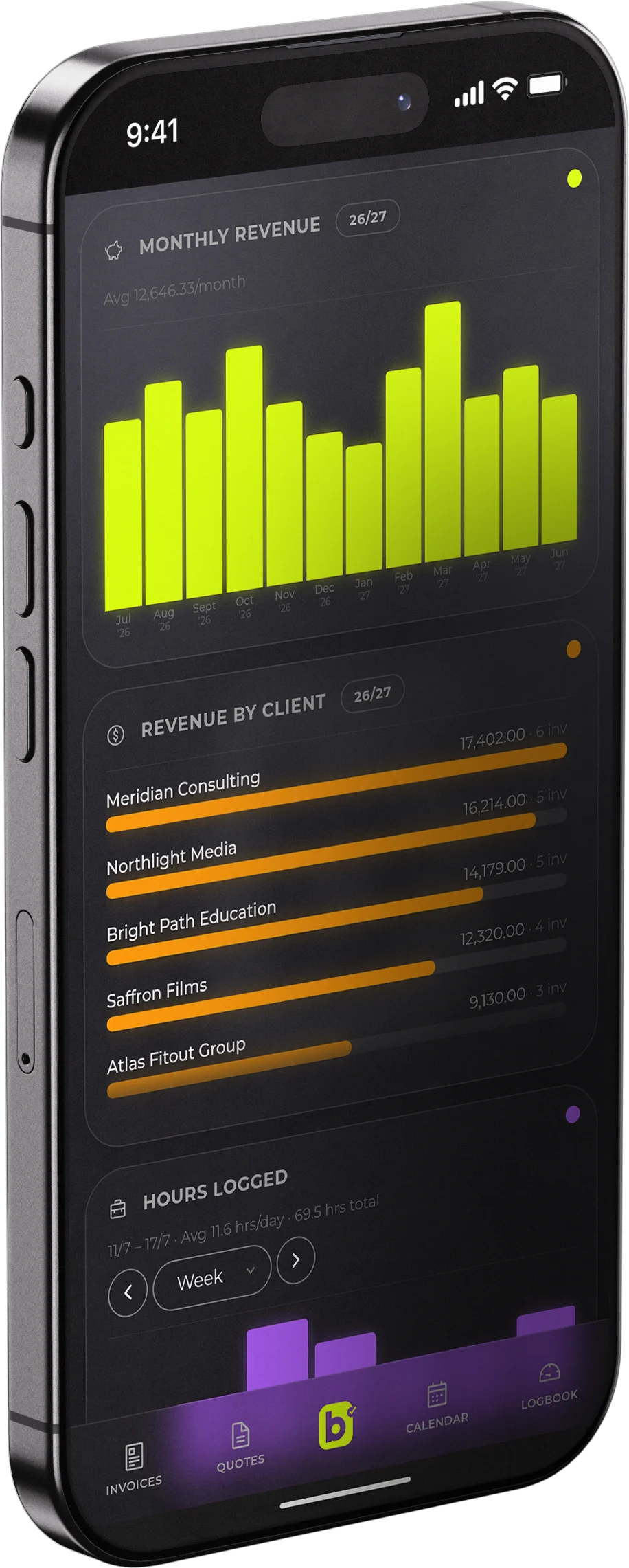
An invoice you’ve sent isn’t revenue until it’s paid, and billed counts it that way. What you’re looking at is money in the bank, not money you’re still chasing.
Questions
No. The 14-day free trial starts without a card — add one only when you decide to keep going.
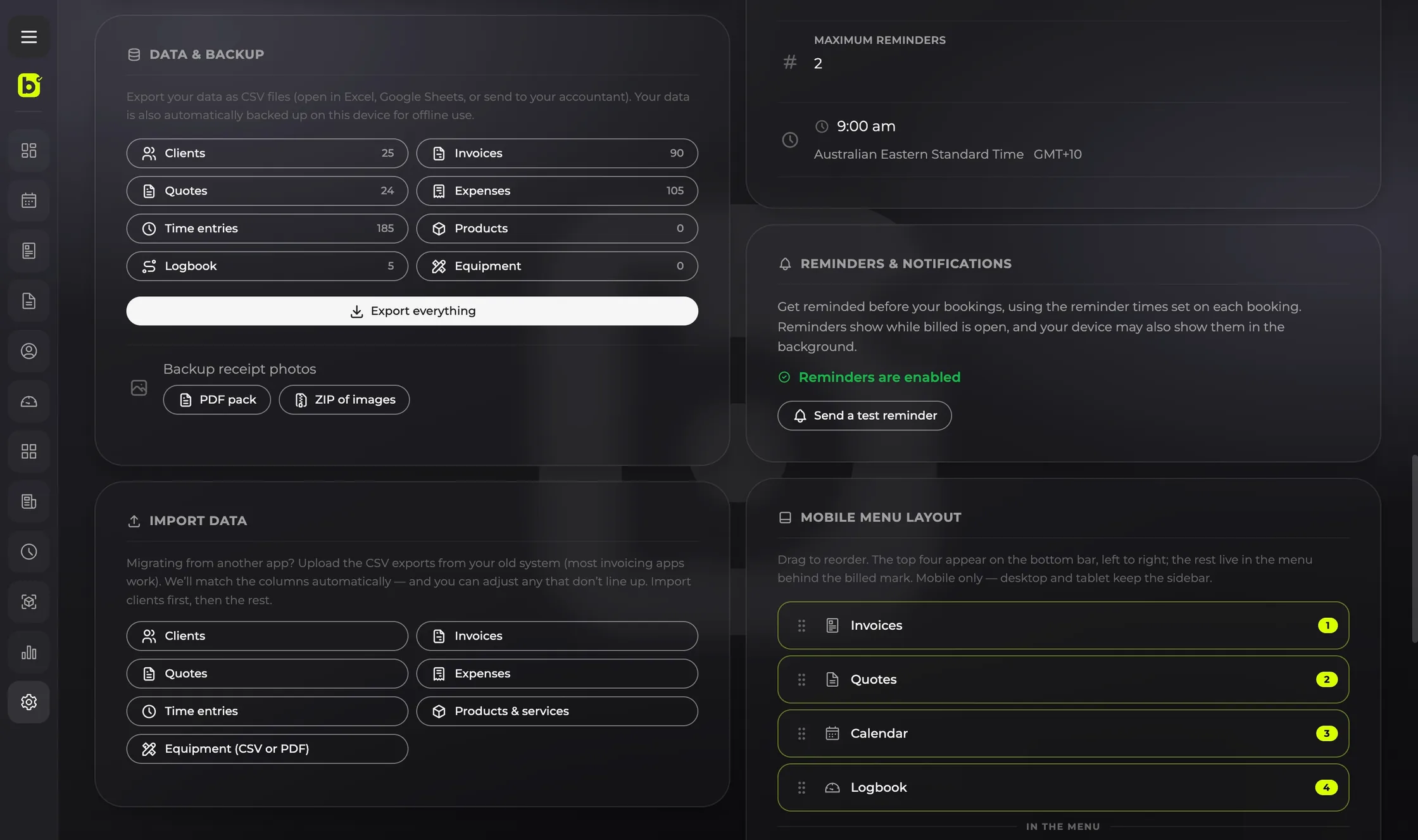
Yes, anytime — your clients, invoices, expenses, time entries and receipts. Even after you cancel, your data is yours to take.
Yes. Upload the CSV exports from your old system — most invoicing apps will do — and billed matches the columns for you, with a chance to fix any that don’t line up. Clients, quotes, invoices, expenses, time entries, products and services, and equipment all come across — your full history, current and previous financial years included.
You can always add clients one at a time. To fill your list faster, billed has a smart import built for exactly this: paste a rough list of names, an email signature or notes off your phone, or add a photo, screenshot or PDF like a business card. It reads them into a review grid for you to check and edit — nothing saves until you confirm, and it skips anyone already in your list.
If you subscribed on the web, from your account settings — billed opens the Stripe billing portal, where you can cancel in a couple of taps. No phone calls, no retention hoops. If you subscribed on Android, cancel in Google Play instead.
Put your bank transfer details on the invoice, add a Pay with PayPal link with the amount already filled in, or both. You can also add a Pay with Wise link. With a Wise Business link, billed fills in the amount, currency and invoice number, and your client just confirms. Save a personal Wise link instead and your client enters the amount. You mark the invoice paid once the money lands.
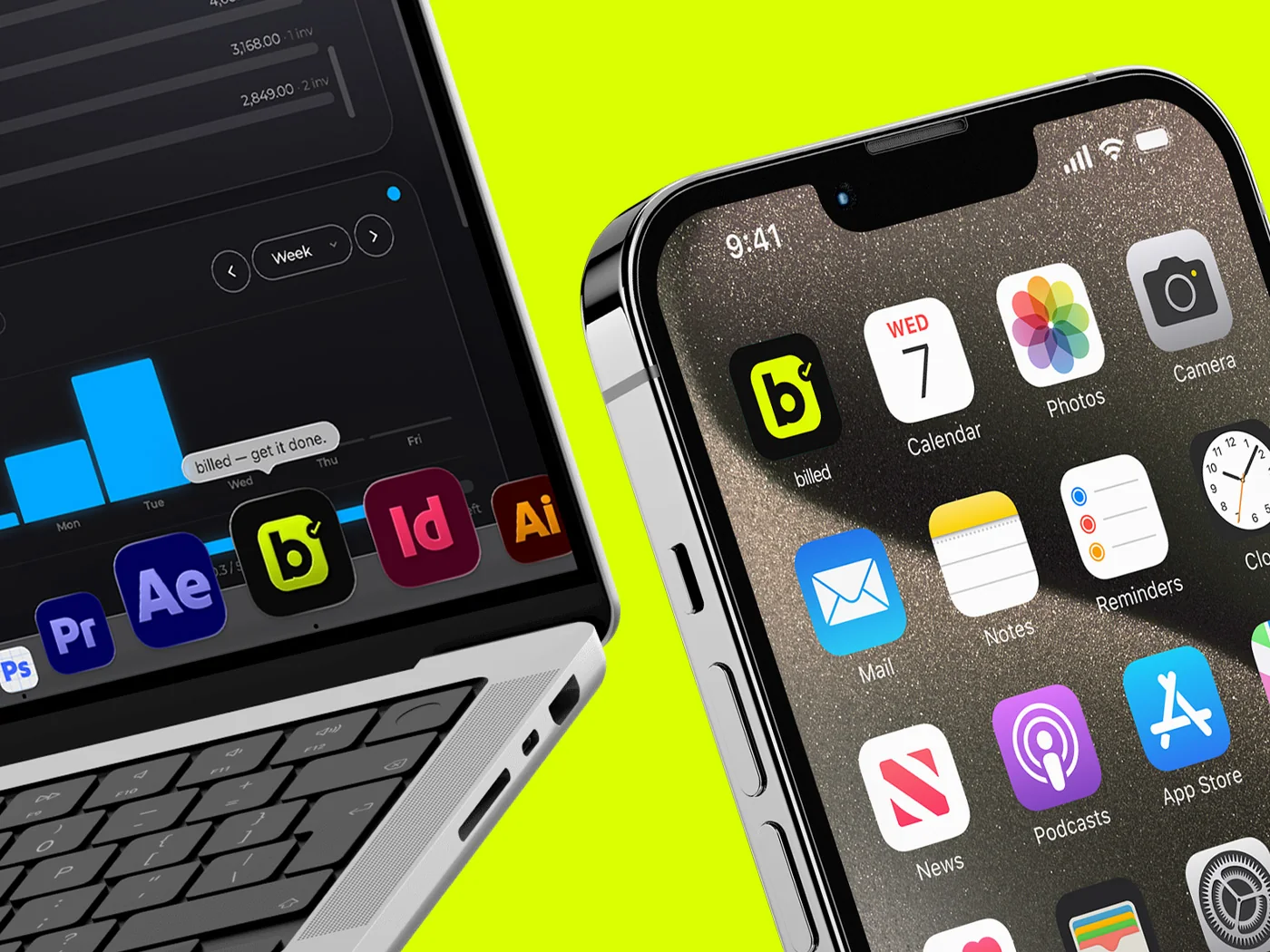
Any modern browser — phone, tablet or desktop. On Android, get it from Google Play; everywhere else it installs from the browser as a real app with its own icon and window. Installed from the browser, billed keeps a local copy, so you can view and export your data offline; saving changes needs a connection either way. The Play Store app needs one to open at all.
No. It's built for the way you work here — GST, the April financial year, tax invoices with your NZBN — but it isn't New Zealand-only. Set your country and billed adapts the tax, currency and financial year to match: New Zealand, Australia, the US, the UK, Canada, Portugal, Spain and Germany are all covered, with the interface in English, Portuguese, Spanish or German. Clients overseas can pay you by Wise as well as by bank transfer or PayPal.